Flux 3 AI Image Generator
Turn a prompt or a reference image into a finished still. Flux 3 Image keeps text-to-image, reference editing, typography, composition, and layout on one clean surface, so you can move from idea to usable frame without switching tools.
Built for real production work: fashion and editorial shoots, product and packaging mockups, ad concepts, typographic posters, and fast image editing passes, all rendered from a prompt in seconds.
How we built Flux 3 Image around the FLUX 3 direction
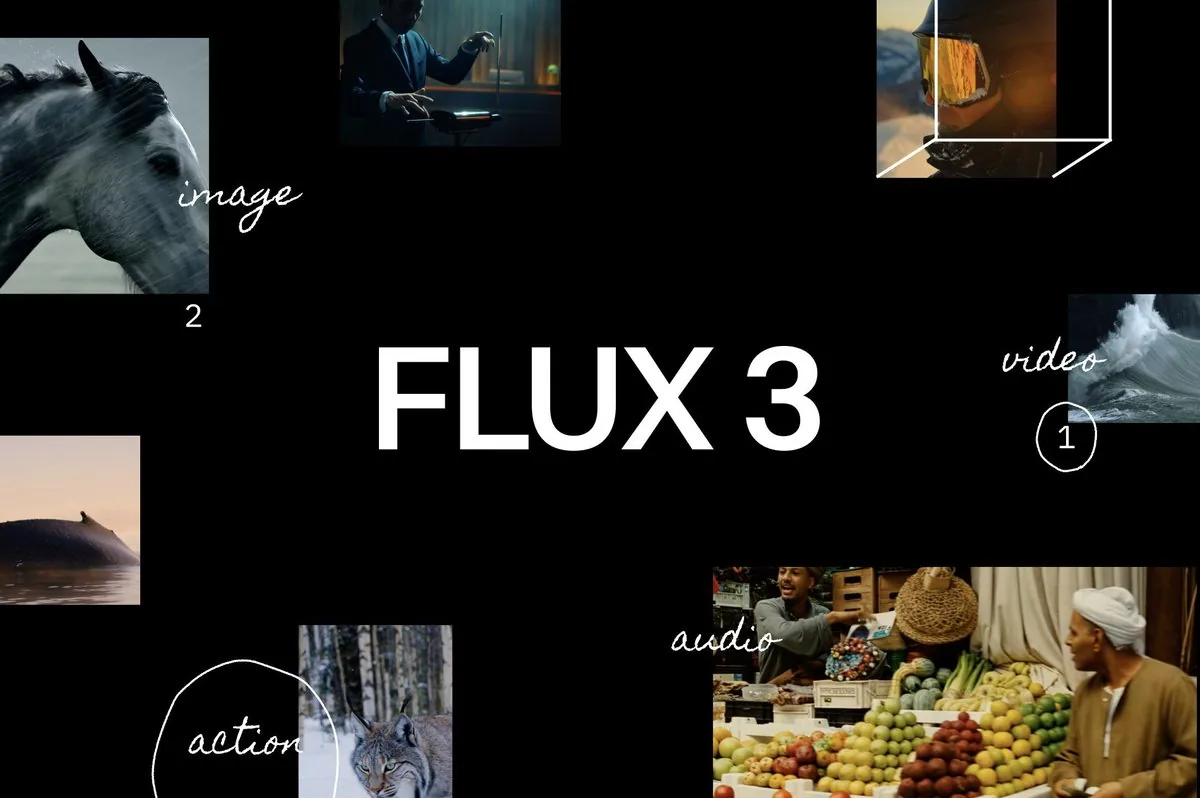
We built Flux 3 Image for people who need a still, not a research brief. When we look at the public FLUX 3 direction from Black Forest Labs, we see one idea that matters for creators: image, video, and audio are being treated as parts of the same multimodal system, not as separate tools you have to stitch together yourself.
For stills, that direction points to synthesis, editing, complex prompts, and stronger in-image text, including multilingual typography. We take those public signals seriously, but we do not pretend this page is the official FLUX 3 release. FLUX 3 is still in Early Access, and official image access is rolling out in stages.
So we made a practical creator surface instead of a press page. Here you can write a prompt, add a reference when you need control, edit and re-render, place typography in the frame, and choose aspect ratio and resolution before you export.
Our job is simple: help you move from an idea to a usable frame quickly, then iterate without losing momentum. As the public FLUX 3 Image capabilities mature, we keep this workspace focused on the same production path.
Sample outputs
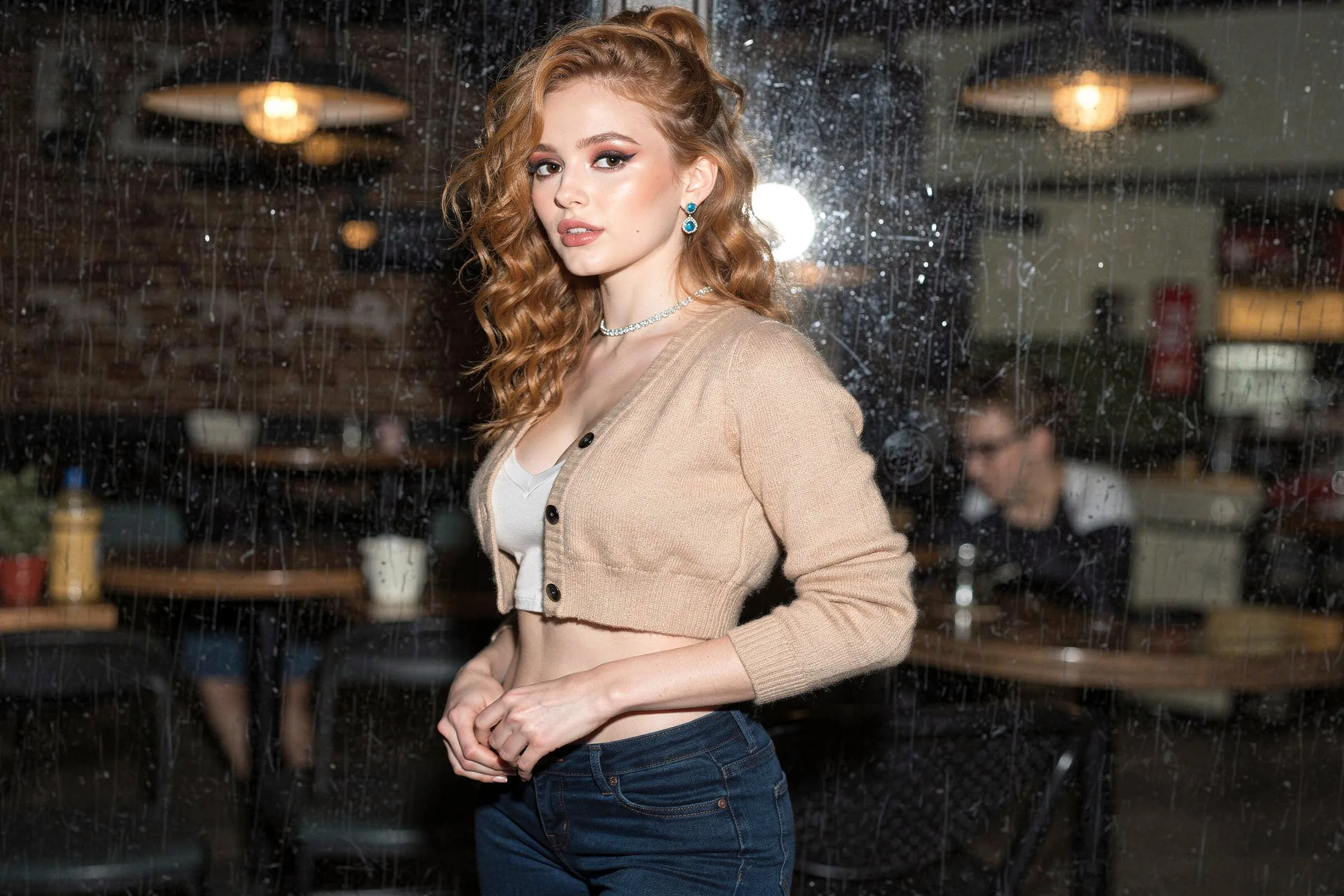
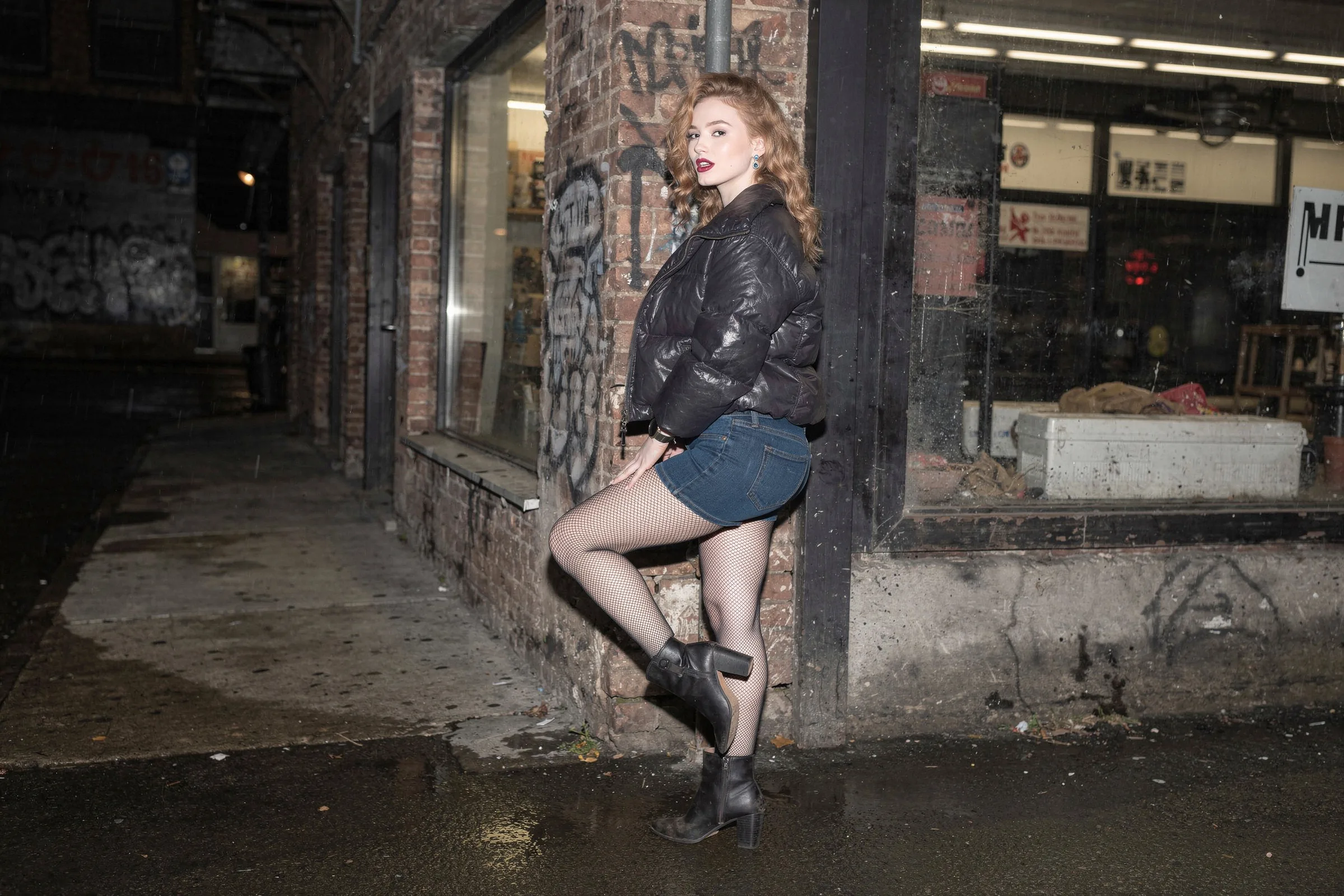
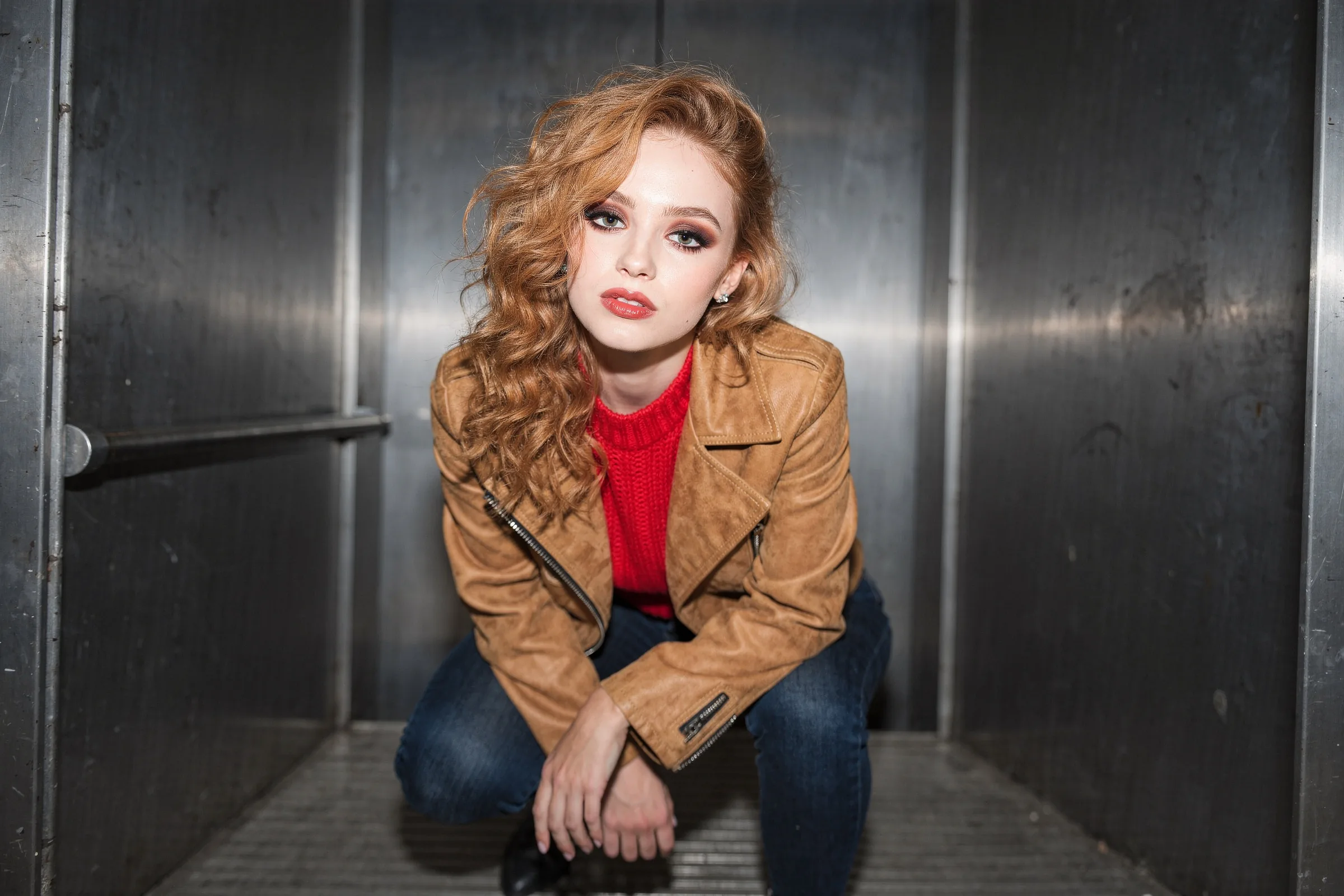
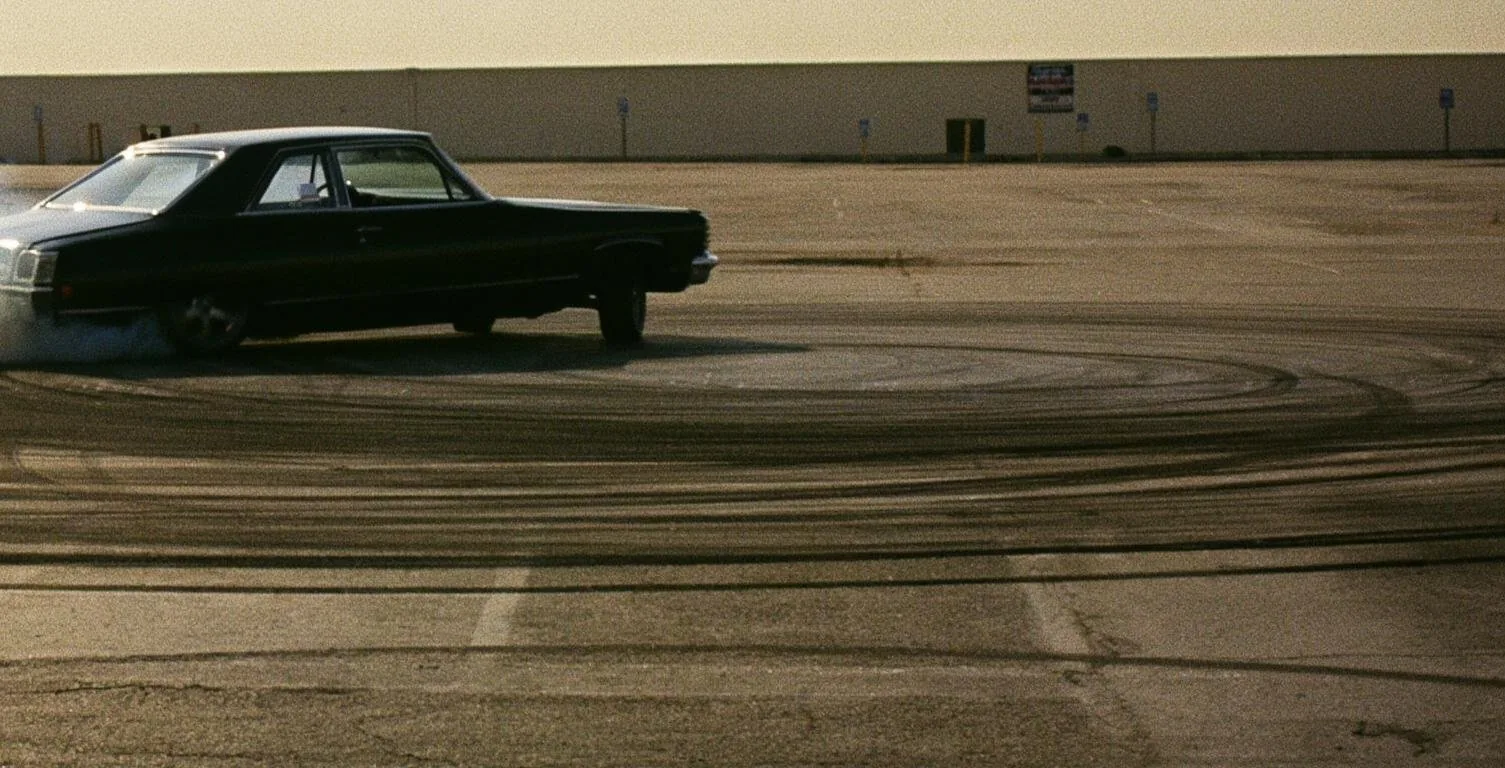
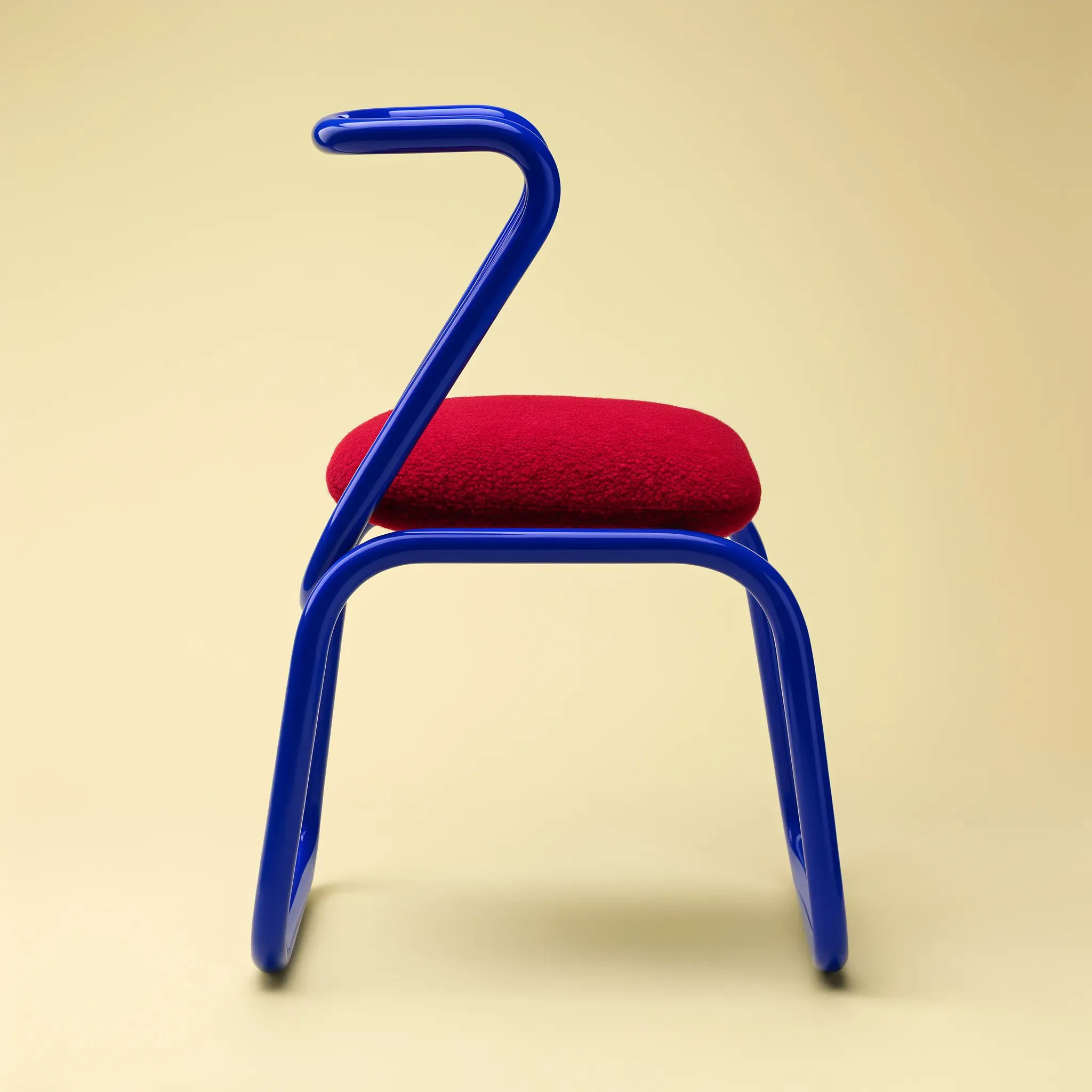
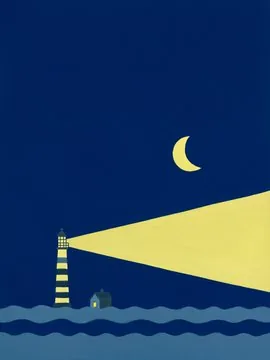
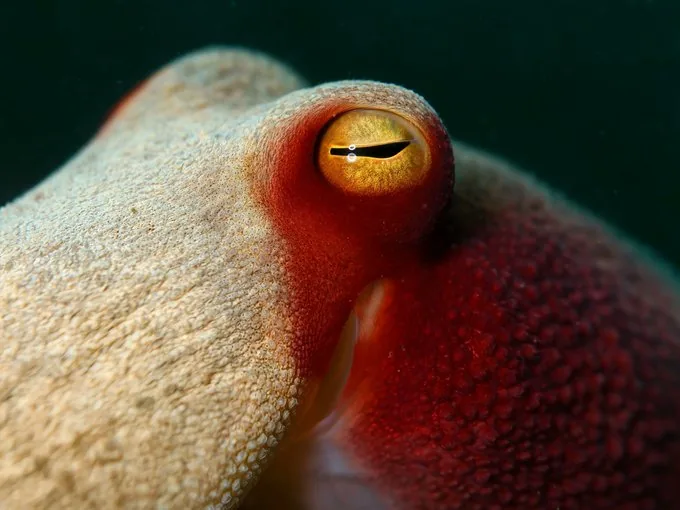
A small set of frames showing different subjects, textures, and visual scales, from fashion to macro detail.
How we think about production with Flux 3 Image
In production, we care less about model mythology and more about what you can ship. We designed this page so a single prompt can cover subject, mood, layout, and text, then land in a frame you can review, revise, and download without jumping tools.
That means flexible ratios, 1K and 2K targets, reference-guided edits, and typography that has to stay readable. We also stay honest about the limits: this is not the official FLUX 3 endpoint, Early Access behavior can change, and every result still needs a human check before it goes live.
Why creators use Flux 3 Image
One page for fast image work: prompt drafts, reference edits, in-image text, format control, and campaign-ready concepts, without a heavy studio setup.
Text to image
Turn a written brief into a visual draft. Describe subject, mood, and lighting, and get a composed still to react to in seconds.
Reference-guided editing
Upload a source image to steer composition, shape, or visual direction, then edit and re-render while keeping the parts that already work.
Typography that reads
Place titles, labels, and sign-style copy inside the frame, with cleaner legibility for posters, packaging, and ad layouts.
Multilingual text rendering
Compose copy in more than one language inside the same image, useful for global campaigns and localized creative tests.
Flexible aspect ratios
Switch between portrait, square, and landscape, at 1K or 2K, to fit feeds, storefronts, and print placements.
Campaign and product use cases
Build fashion frames, ecommerce imagery, social banners, and mockups faster, then iterate toward a final creative direction.
How the generator works
Start with text, add a reference when you need more control, set the format, and render a still you can compare, edit, and download.
1. Write a prompt
Describe the subject, mood, style, and any text the image must include.
2. Add a reference
Upload a reference when composition, identity, or product shape matters.
3. Choose output settings
Pick an aspect ratio and a 1K or 2K target for the placement.
4. Review and iterate
Download the strongest frame and refine the prompt until it fits the brief.
What people build with Flux 3 Image
From fashion frames to product mockups, the generator adapts to the kind of image you actually ship.
Fashion photography
Direct mood, wardrobe, and light like a shoot. Render cinematic fashion frames from a prompt, then refine pose, setting, and styling with references.
Editorial & campaigns
Explore cover looks, spreads, and campaign key visuals fast, with layout and typography that hold up at full-bleed scale.
Product & packaging
Stage products with clean backgrounds and controlled lighting for ecommerce, packaging mockups, and hero shots.
Typographic posters
Set titles and slogans inside the artwork, in one or more languages, for posters, covers, and social headers.
Social & ads
Produce feed posts, story frames, and ad variants across ratios, then iterate on the versions that perform.
Concept & moodboards
Visualize concept art, environments, and moodboards early, so the creative direction is clear before production.
Flux 3 AI Pricing & Credits
Compare Flux 3 AI pricing for AI video generation. Choose monthly plans, yearly plans, or one-time Flux 3 AI credit packs with clear credit counts and secure checkout.
Flux 3 Image FAQ
Short answers on Flux 3 Image, text-to-image, references, editing, typography, multilingual text, formats, and commercial use.
Start creating with Flux 3 Image
Type a prompt, add a reference when you need control, and turn ideas into still images you can edit, review, and download, all on one page.